AEON
Designed an HMI for a 2050 concept vehicle that moves between road and water.
- Role
- Team Lead · Product Designer
- Tools
- Figma, After Effects
- Focus
- Multimodal HMI, Adaptive in-vehicle UI
Results at a glance
- Less interaction prototyping time
- 80%
- I integrated Figma MCP and Cursor into my HMI design workflow.
Featured by Autodesk
AEON appears in Autodesk Design Studio's coverage of designing for context.
Read the Autodesk feature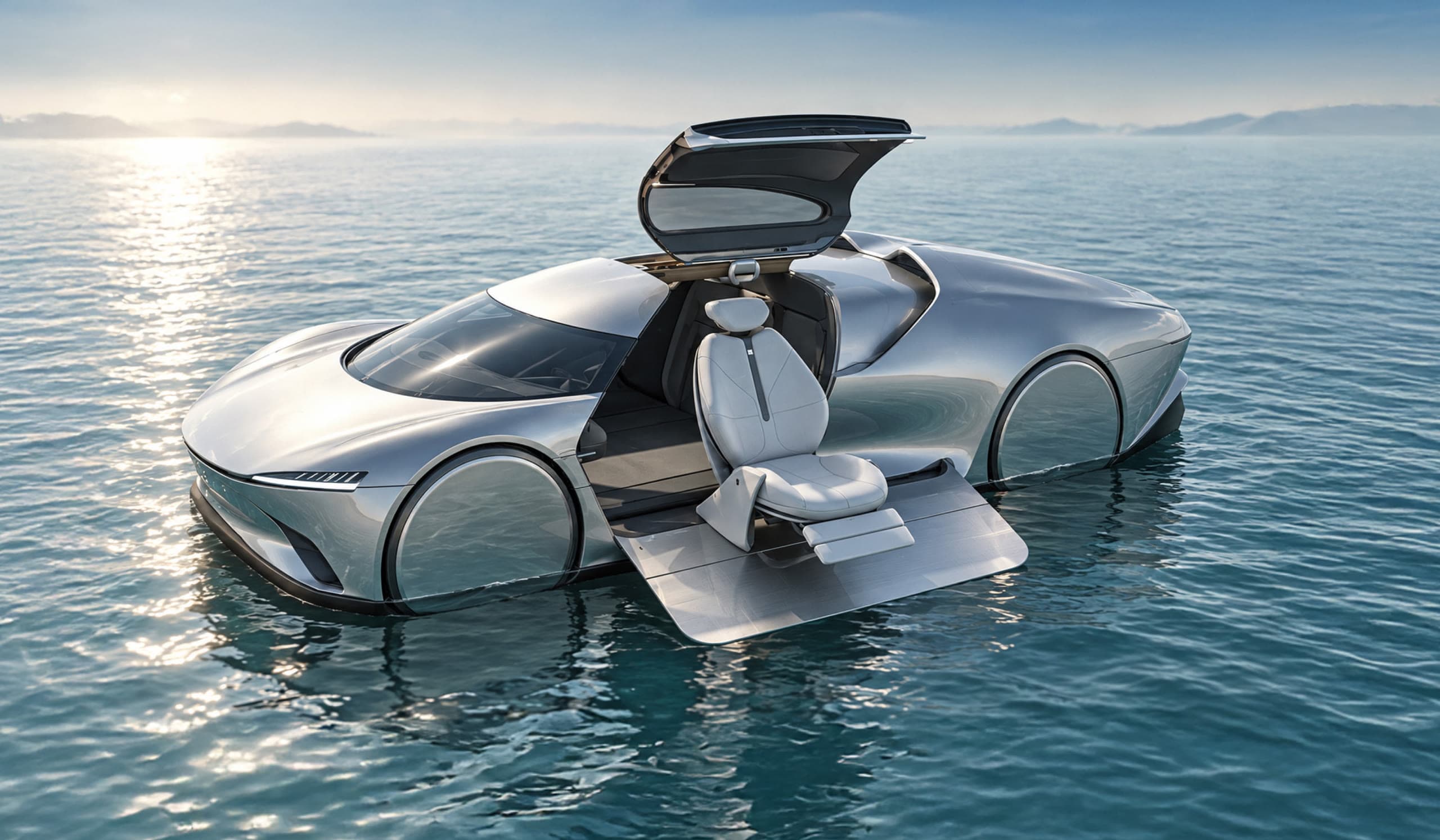
Context
Sponsored by Autodesk: Design a concept vehicle for 2050
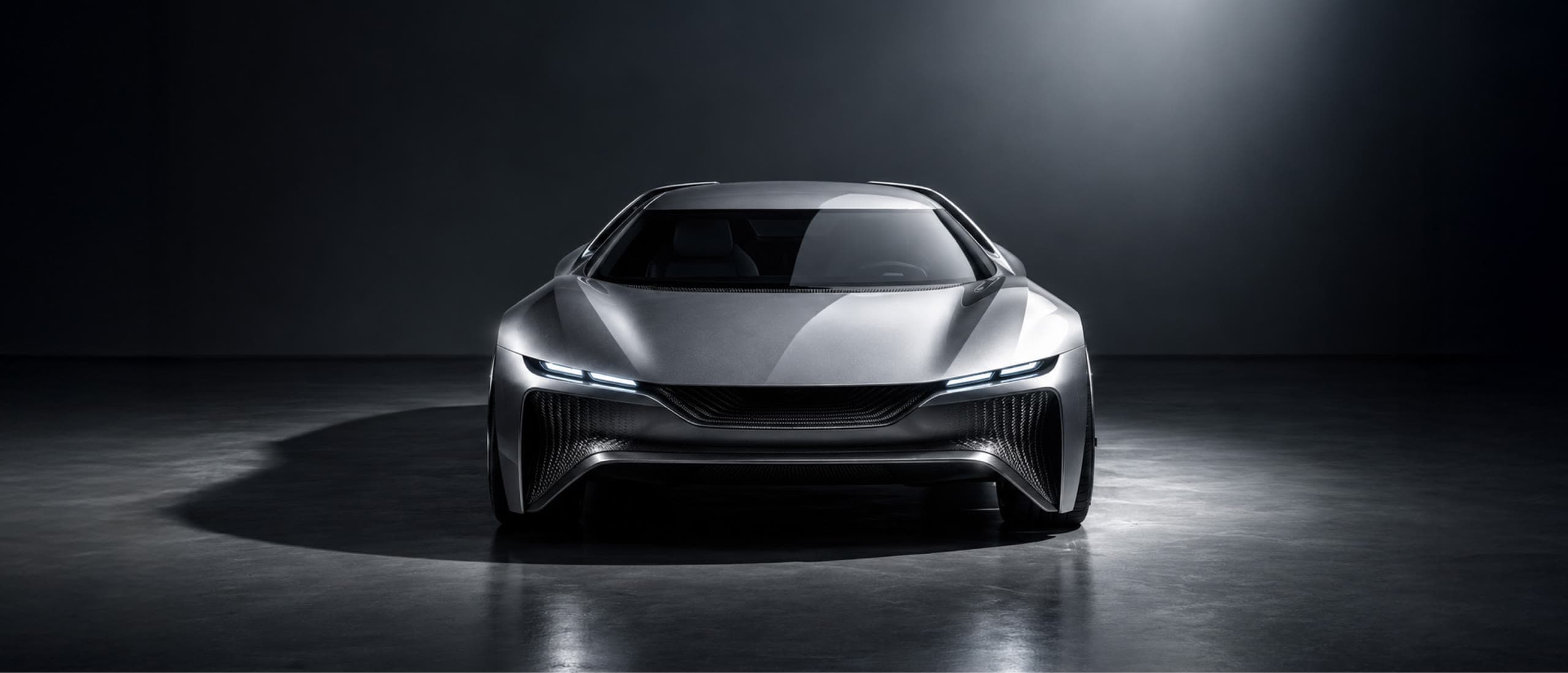
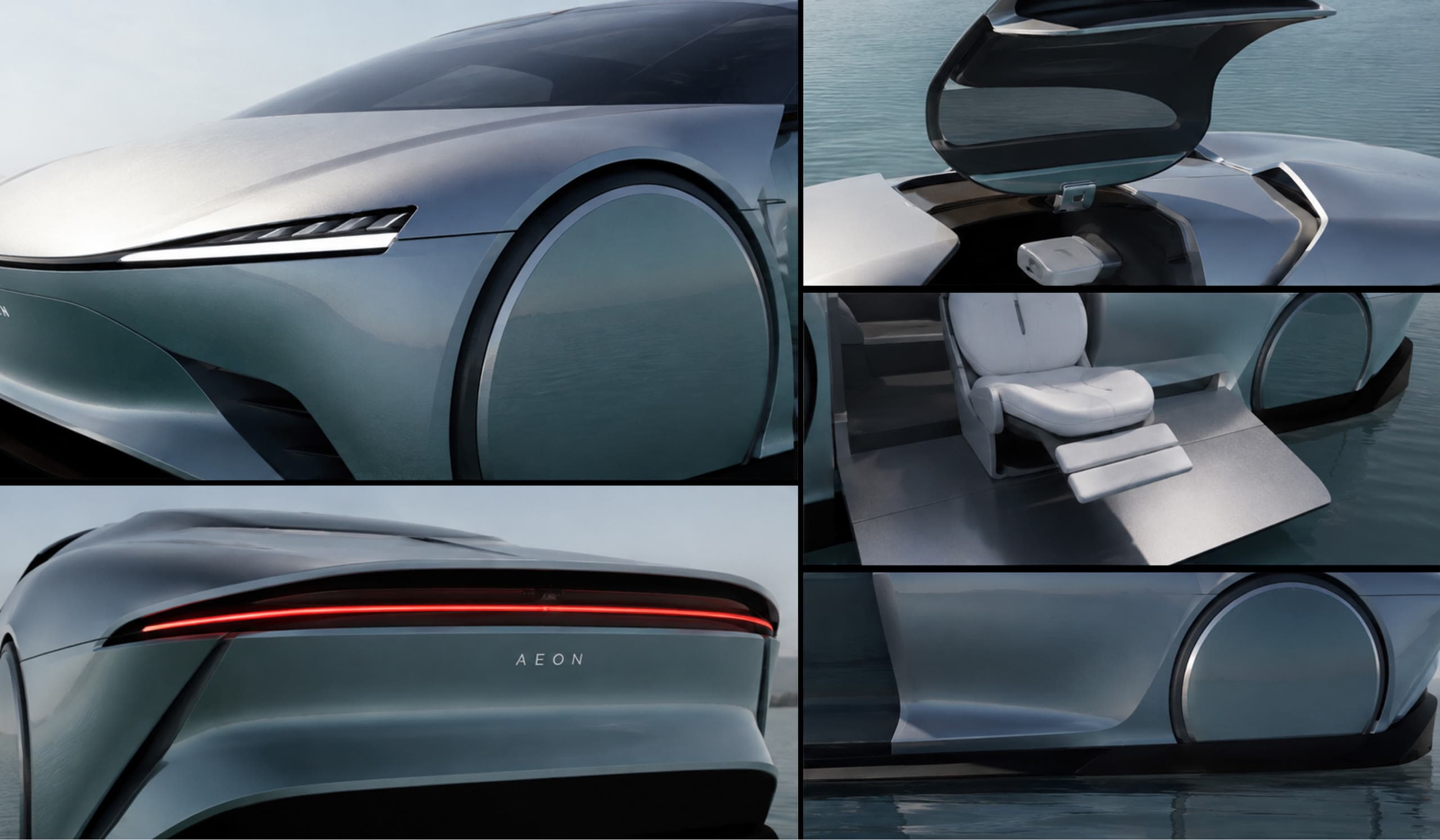
AEON is a three-month concept project sponsored by Autodesk. The brief was to design a future vehicle for 2050 and take it from concept to proof of concept. Our multidisciplinary team of five explored how future climate conditions could reshape mobility and developed AEON, an amphibious EV designed for road and water.
As team lead and sole product designer, I guided the overall project direction and designed the vehicle’s HMI, from information architecture to the final road and water modes.

Jinghan Yang
Industrial Designer

Bishoy M Aboseif
Industrial Designer

Jihyeon Jang
Product Designer

Lina Hanich
Brand Strategist

Veronica Gibson
Interior Designer
Problem
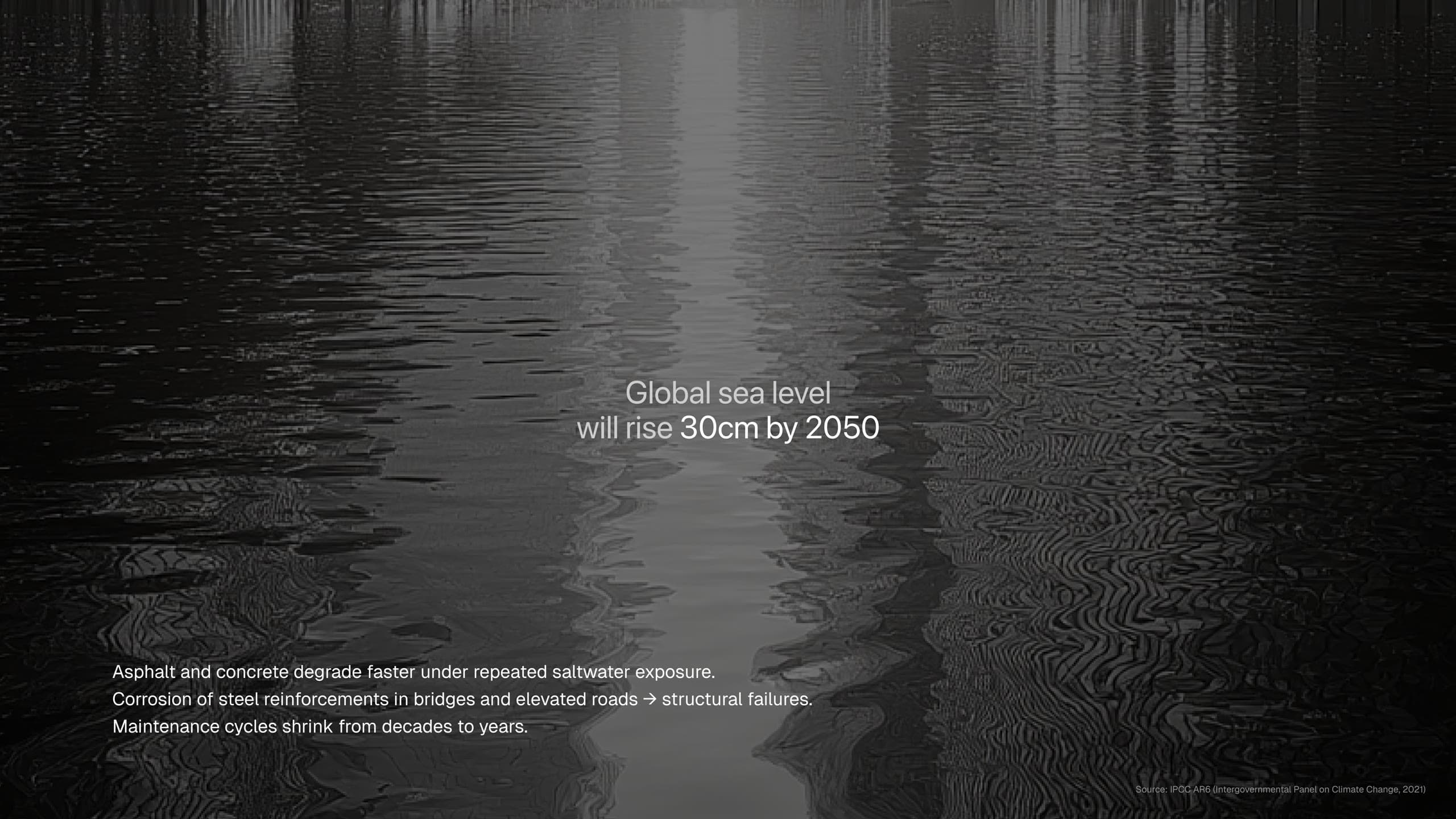
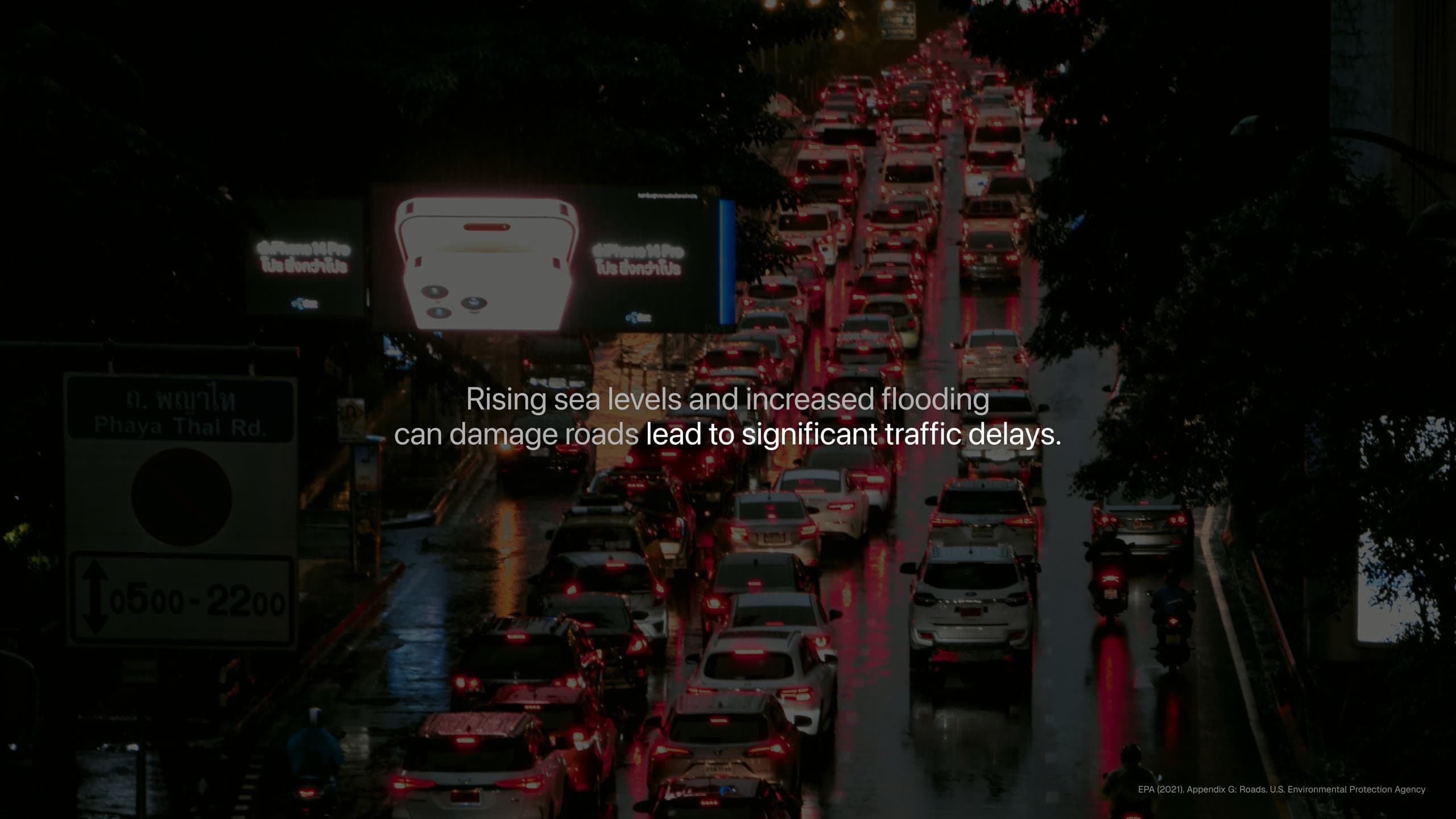
Rising sea levels could make existing roads unreliable
With Autodesk's mission as a starting point, we researched the challenges that could affect how people move in 2050. Rising sea levels became our focus because flooding could make existing roads increasingly unreliable.
Turning water from a barrier into a path
We saw water as an alternative route when roads were disrupted. This became the basis for AEON, an amphibious vehicle designed to transition between road and water.
Move seamlessly between land and water.

Seamless Transition
Stay aware through multisensory cues.

Multisensory
Interaction System
Move beyond traditional roads.
Unlocked Freedom
HMI Design Process
Display & Information Architecture
During early HMI reviews, I learned about established automotive HMI practices from our design mentor. I used two factors to guide placement: the information’s function and how quickly the driver needed to access it.
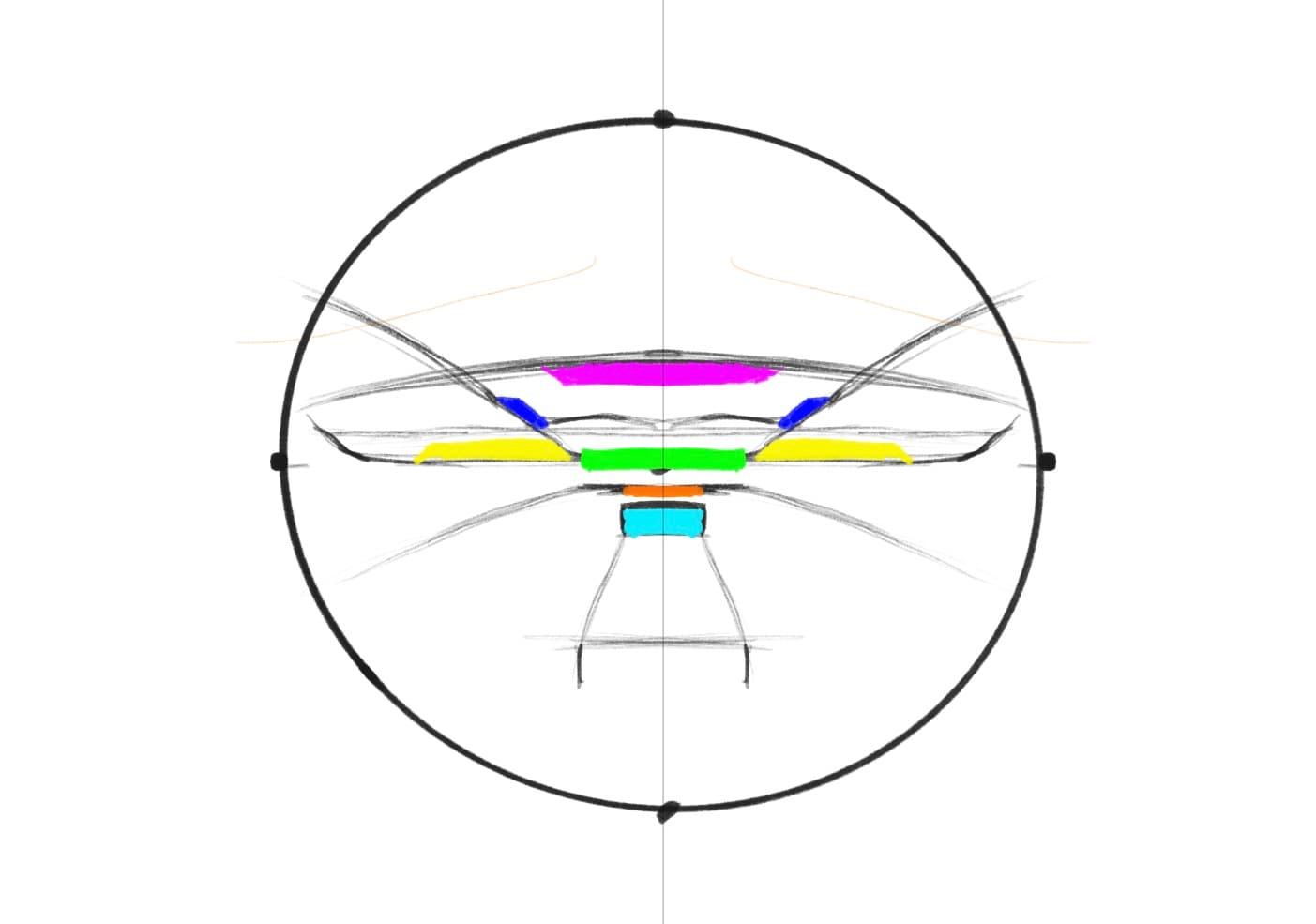
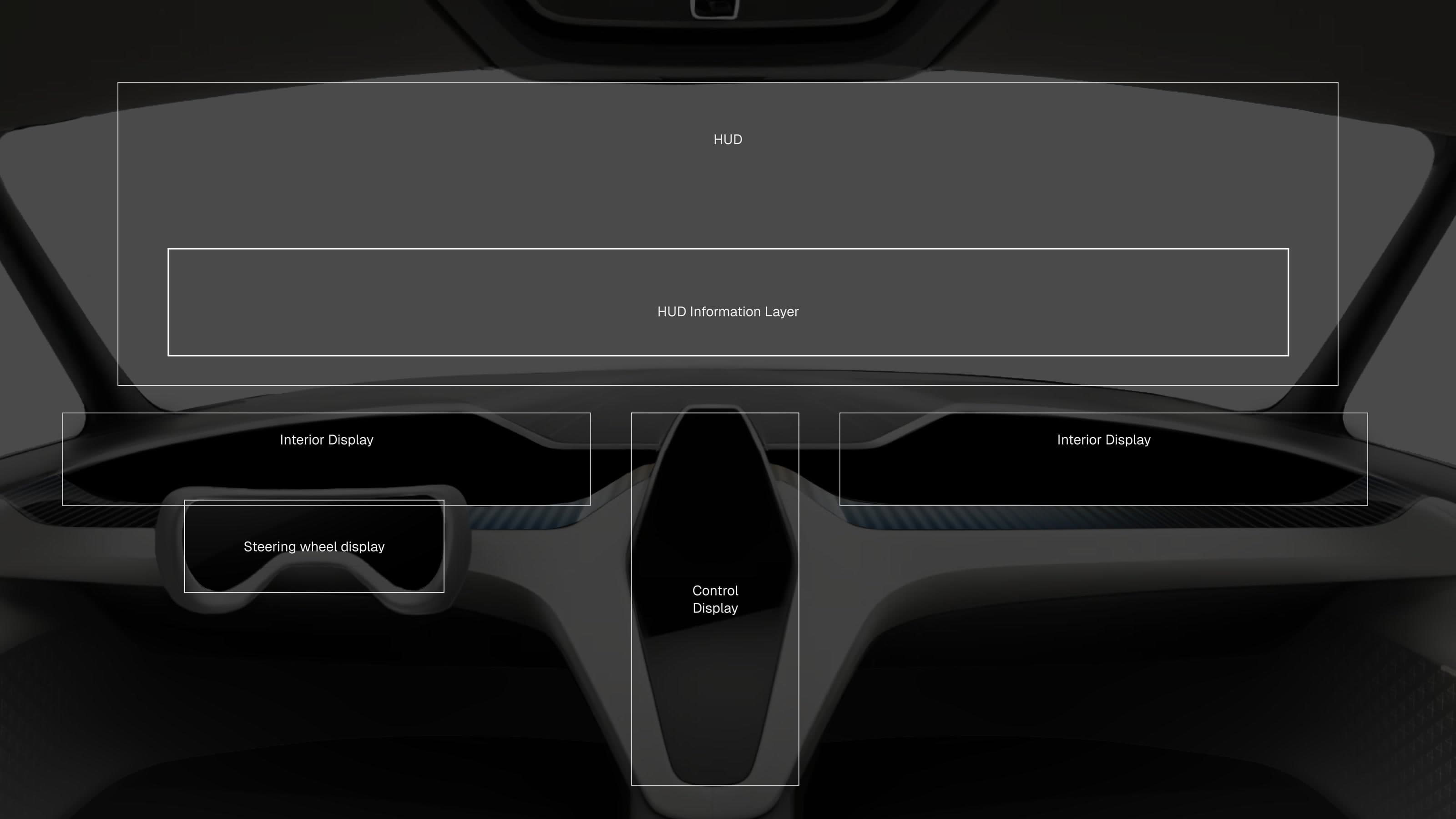
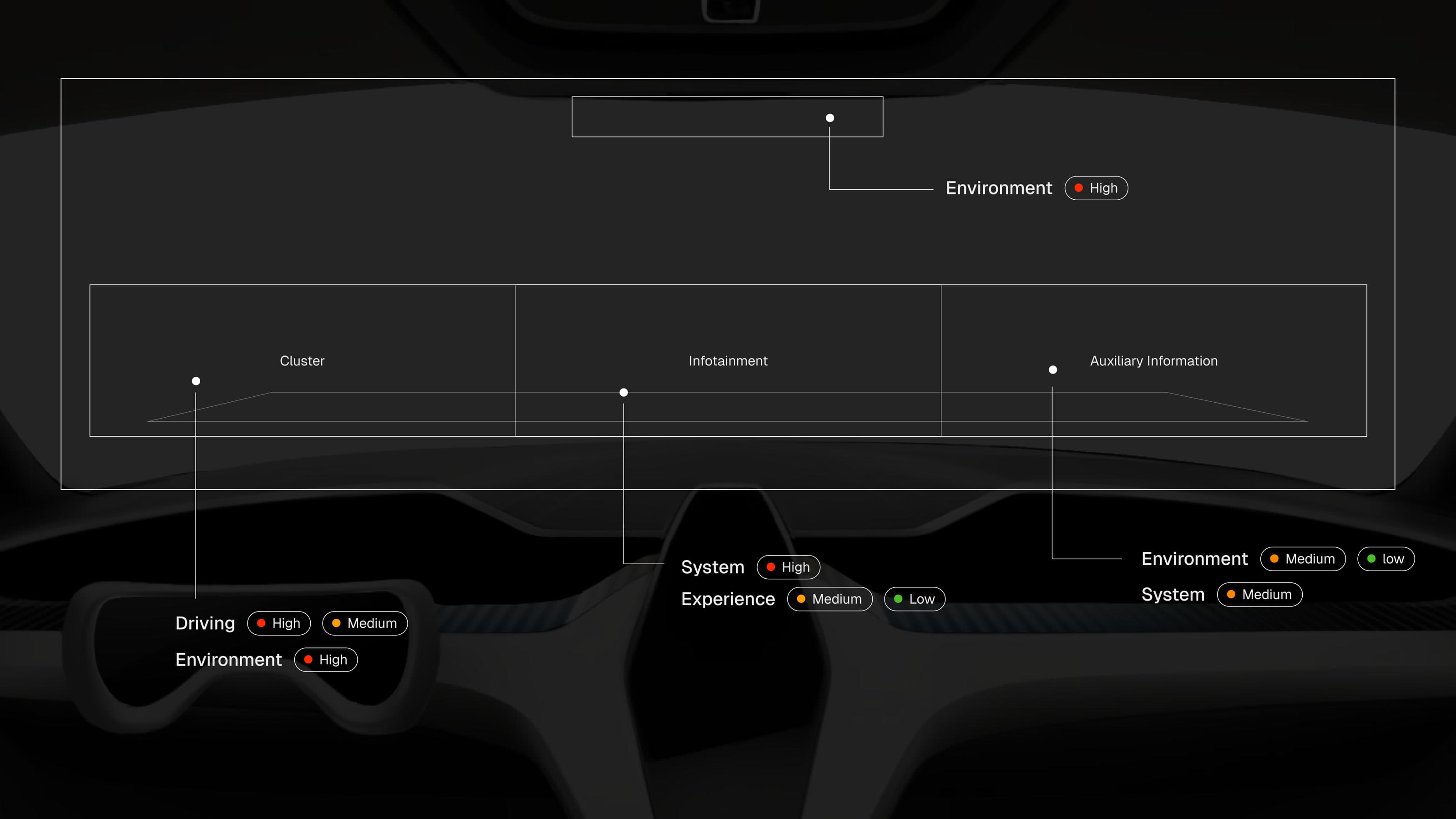
I defined the role of the HUD, cluster, infotainment, and auxiliary displays, then set the priority of the information shown on each one.
DISPLAY STRUCTURE
Locations of the HUD, cluster, infotainment, and auxiliary displays
INFORMATION PRIORITY
Information priority assigned to each display
Visual Language
I created a shared visual system for AEON’s road and water modes. The layout and type hierarchy remain consistent, while form, color, and motion adapt to each environment.
Typography
Aspekta
Headline 1
56px · 72px · −2%
Headline 2
48px · 60px · −2%
Body 1
16px · 24px
Button 1
16px · 24px
Body 2
14px · 20px
Button 2
14px · 20px
Caption
12px · 18px
Color
Interaction


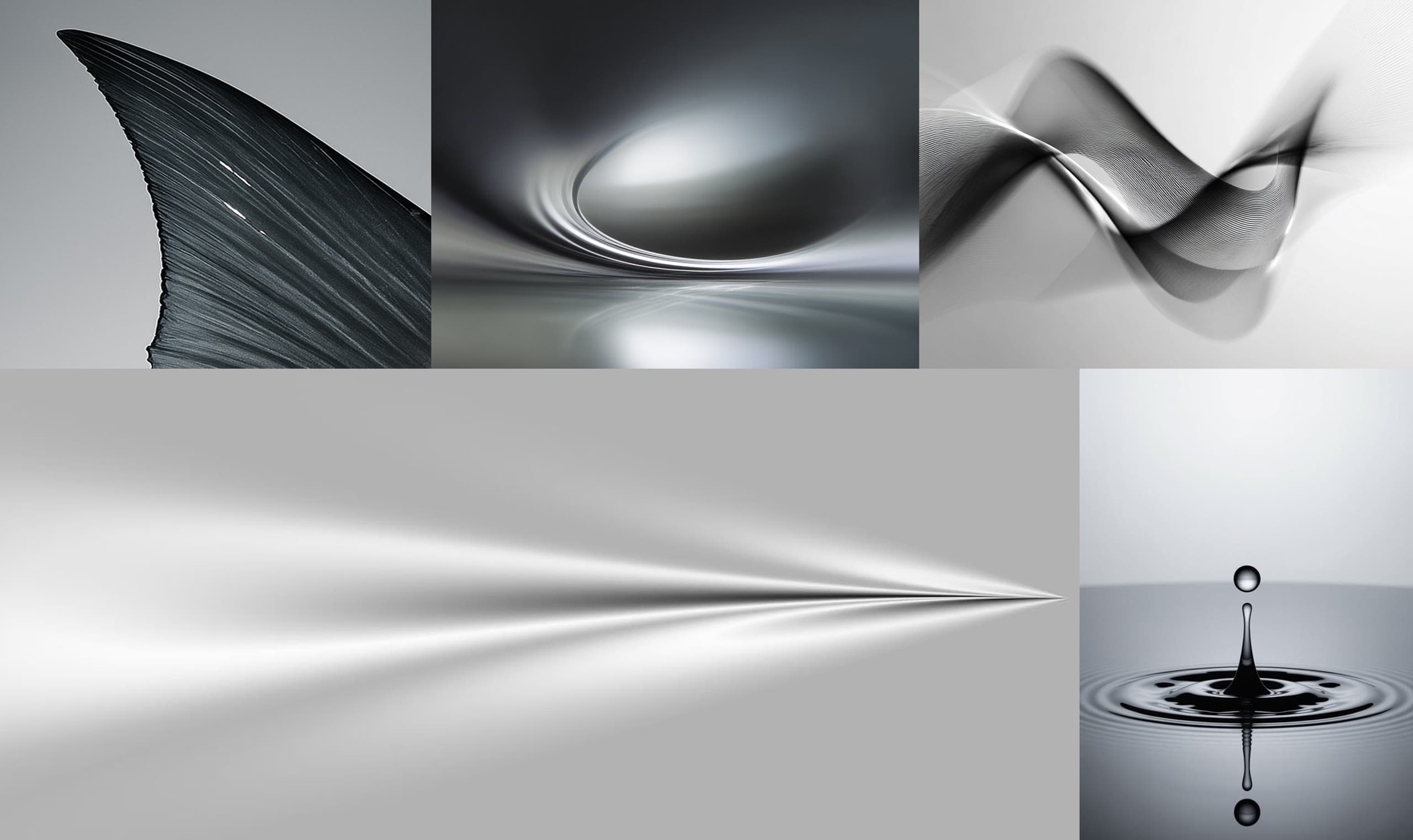
Alongside the moodboard, I created an AI-generated track with Suno and shared it with the team. It helped us align on AEON’s pace, atmosphere, and emotional tone while developing the visual language.
Moodboard
Floating Lights
Suno · AEON
Gliding Through the Mist
Suno · AEON
Silver Glider
Suno · AEON
Design Development
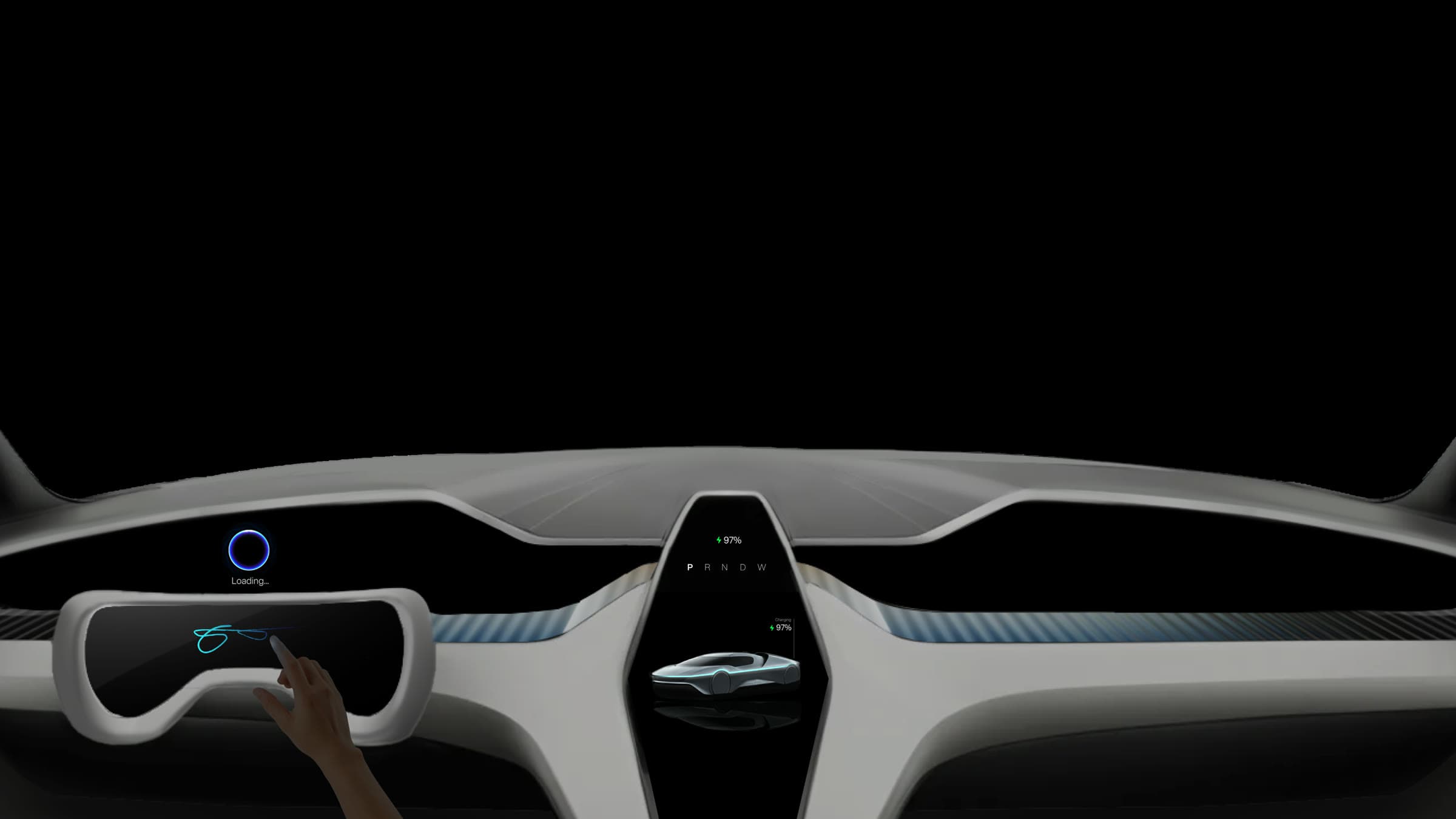
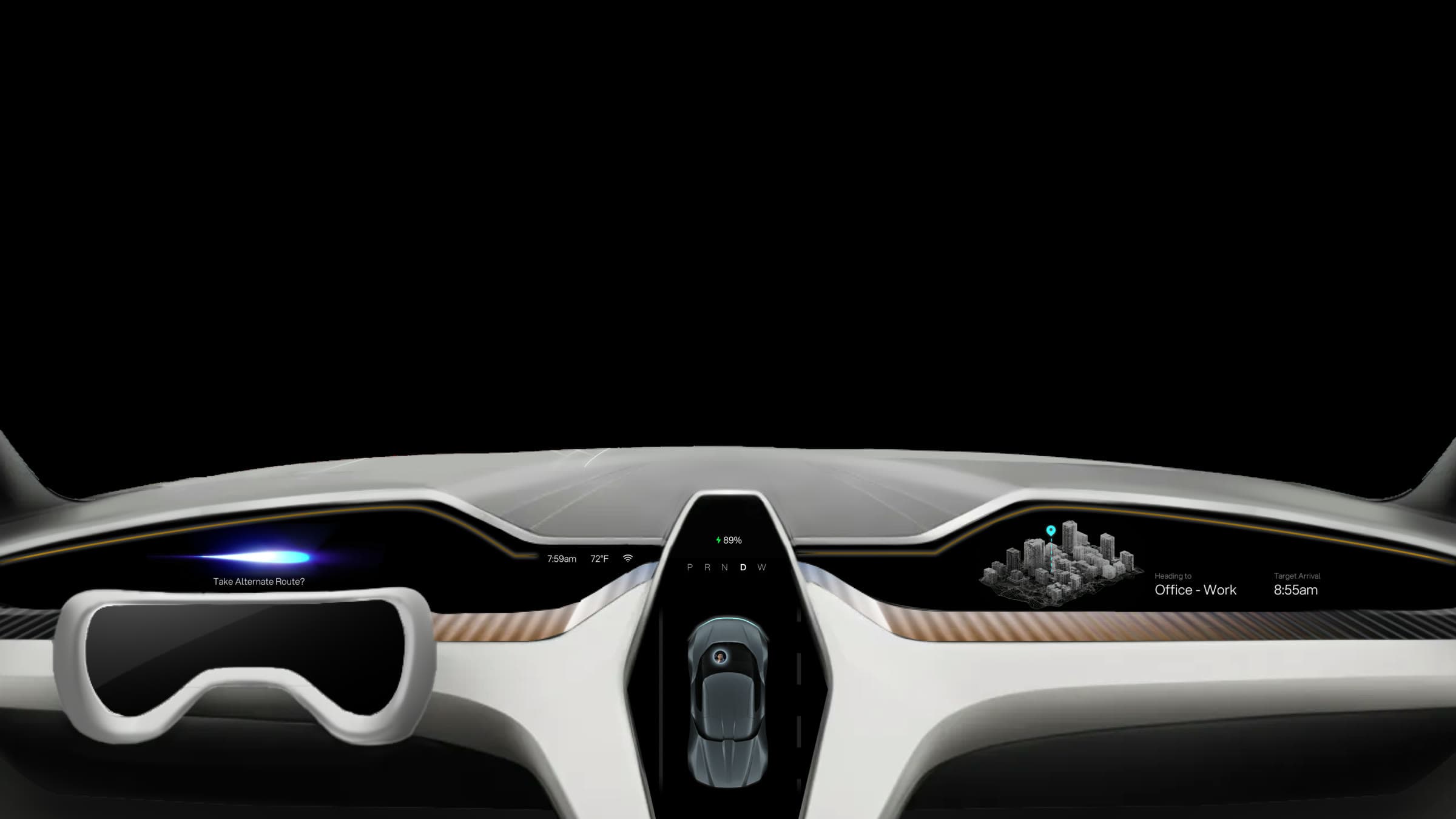
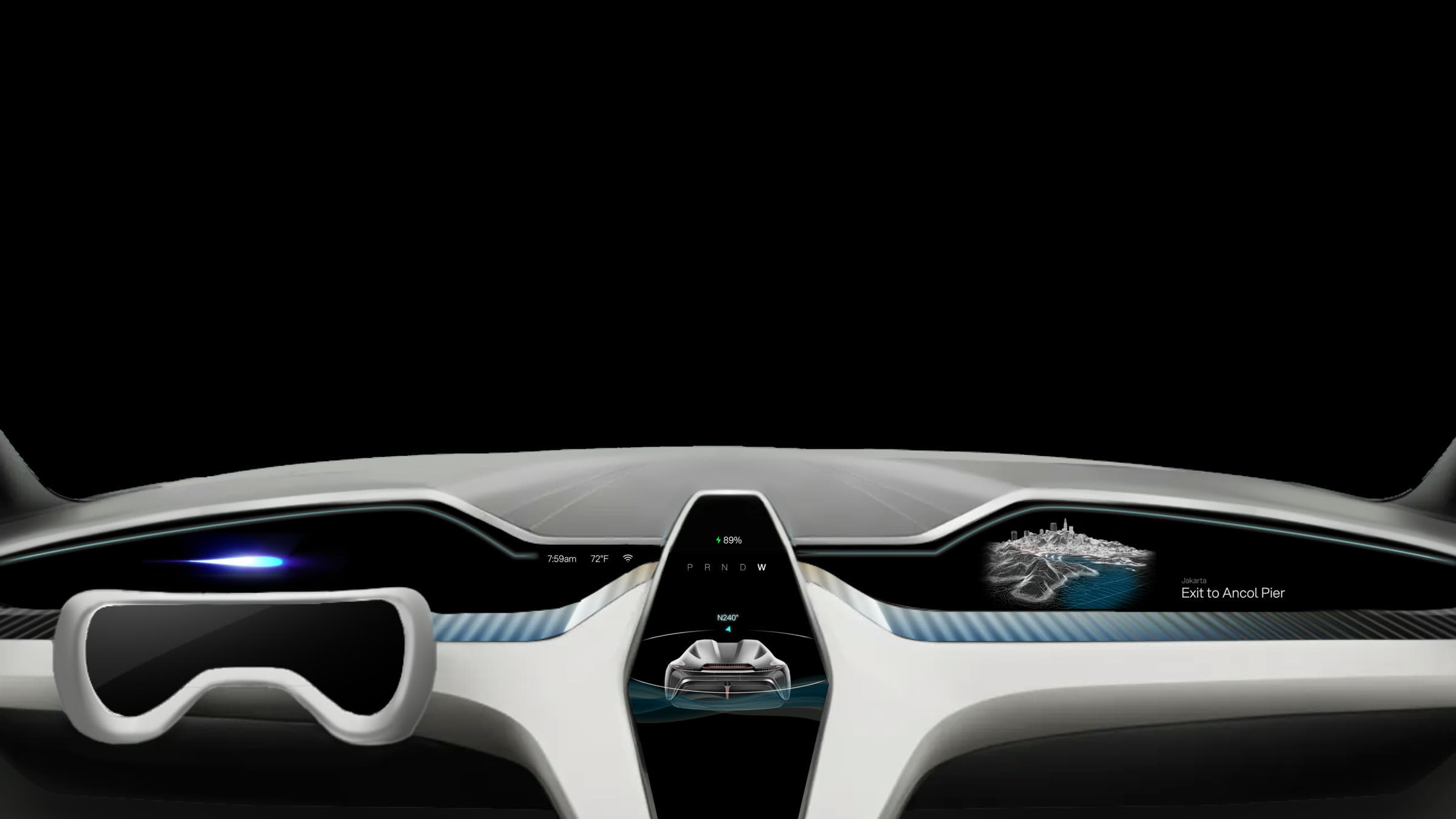
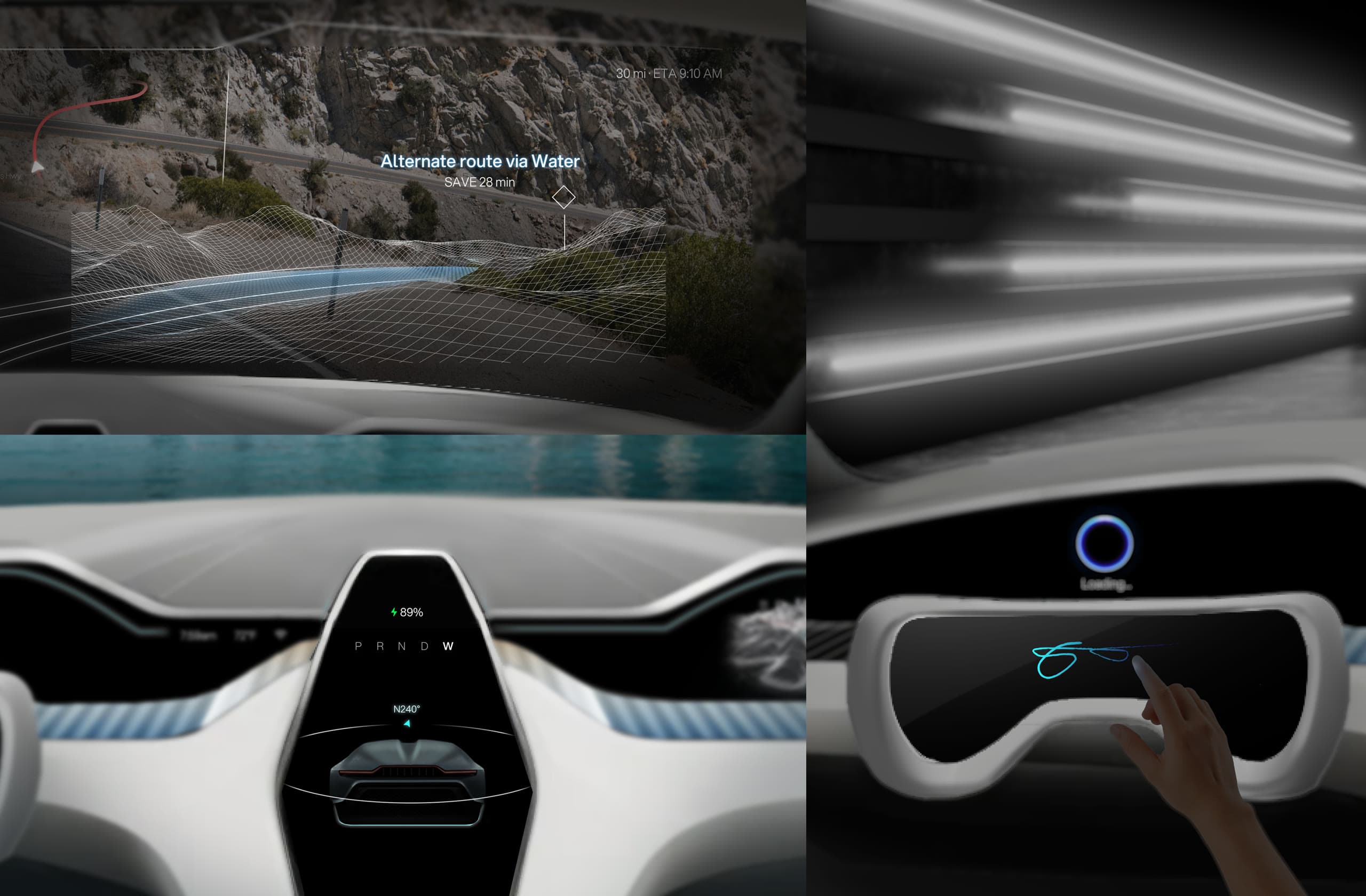
I applied the display architecture and visual language to develop three HMI modes, adapting the information and controls for parking, road, and water.
I integrated Figma MCP and Cursor into my HMI workflow, reducing interaction prototyping time by 80%.
Final Design
Keeping the Interface Familiar Across Modes
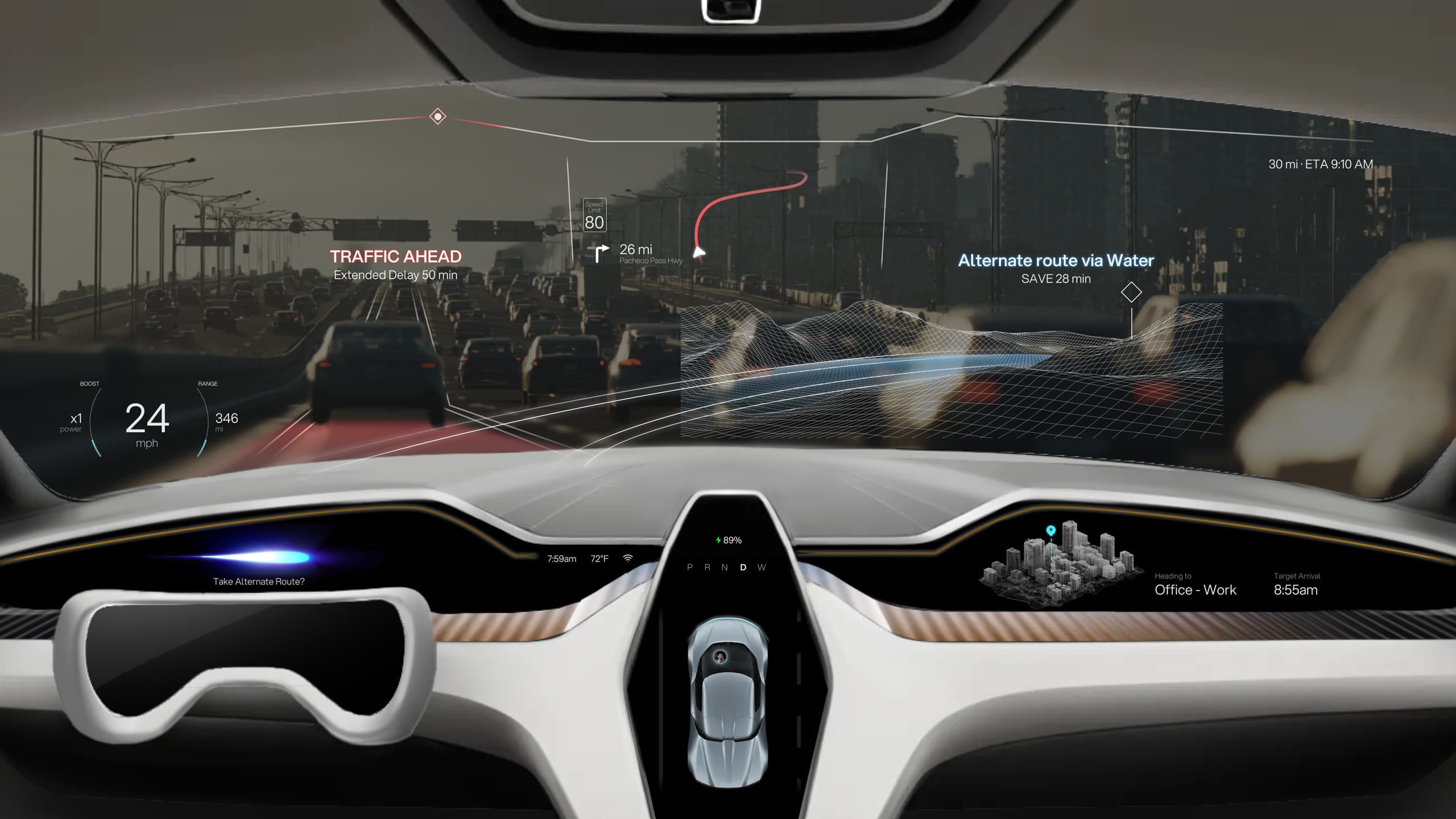
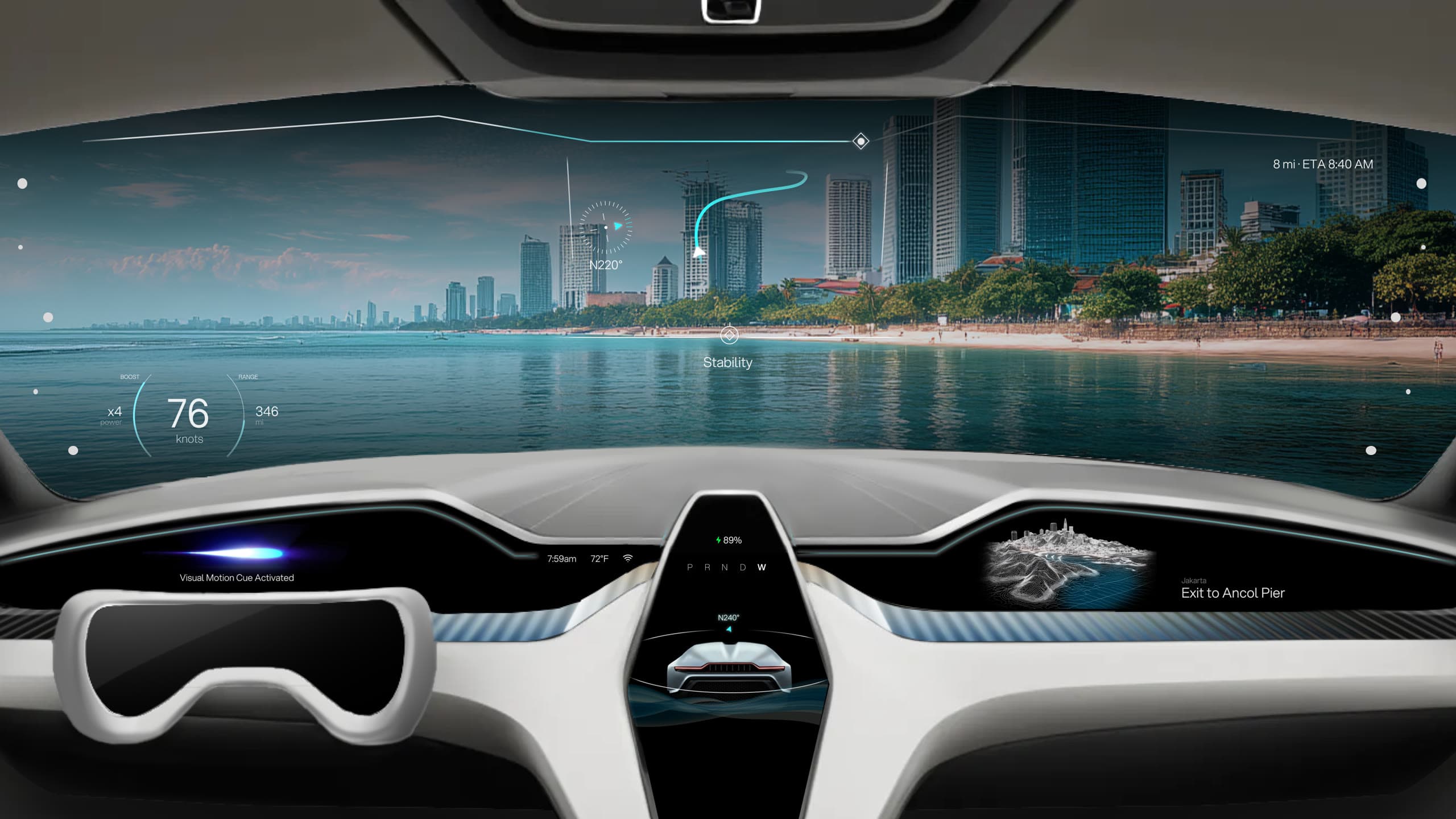
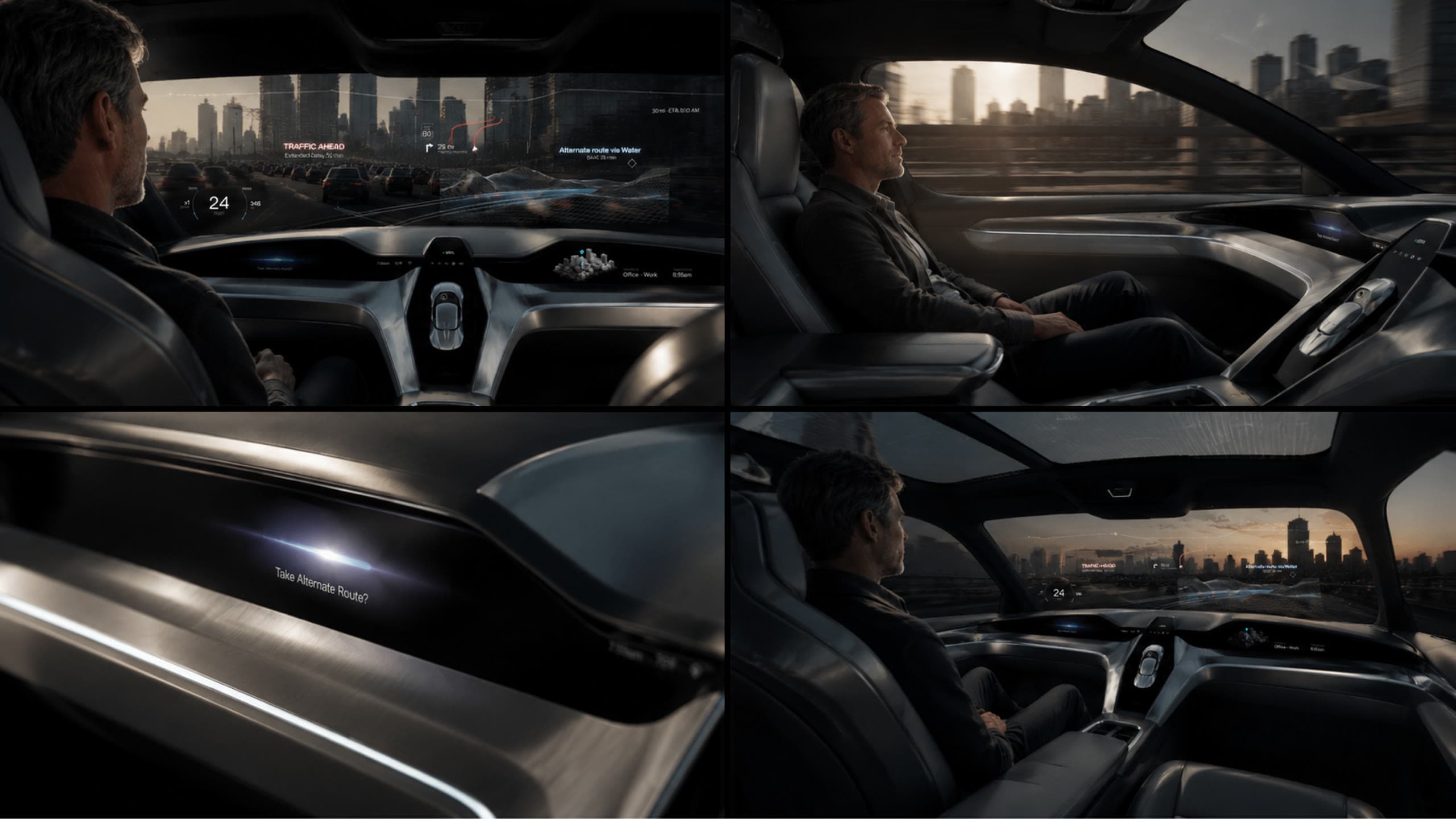
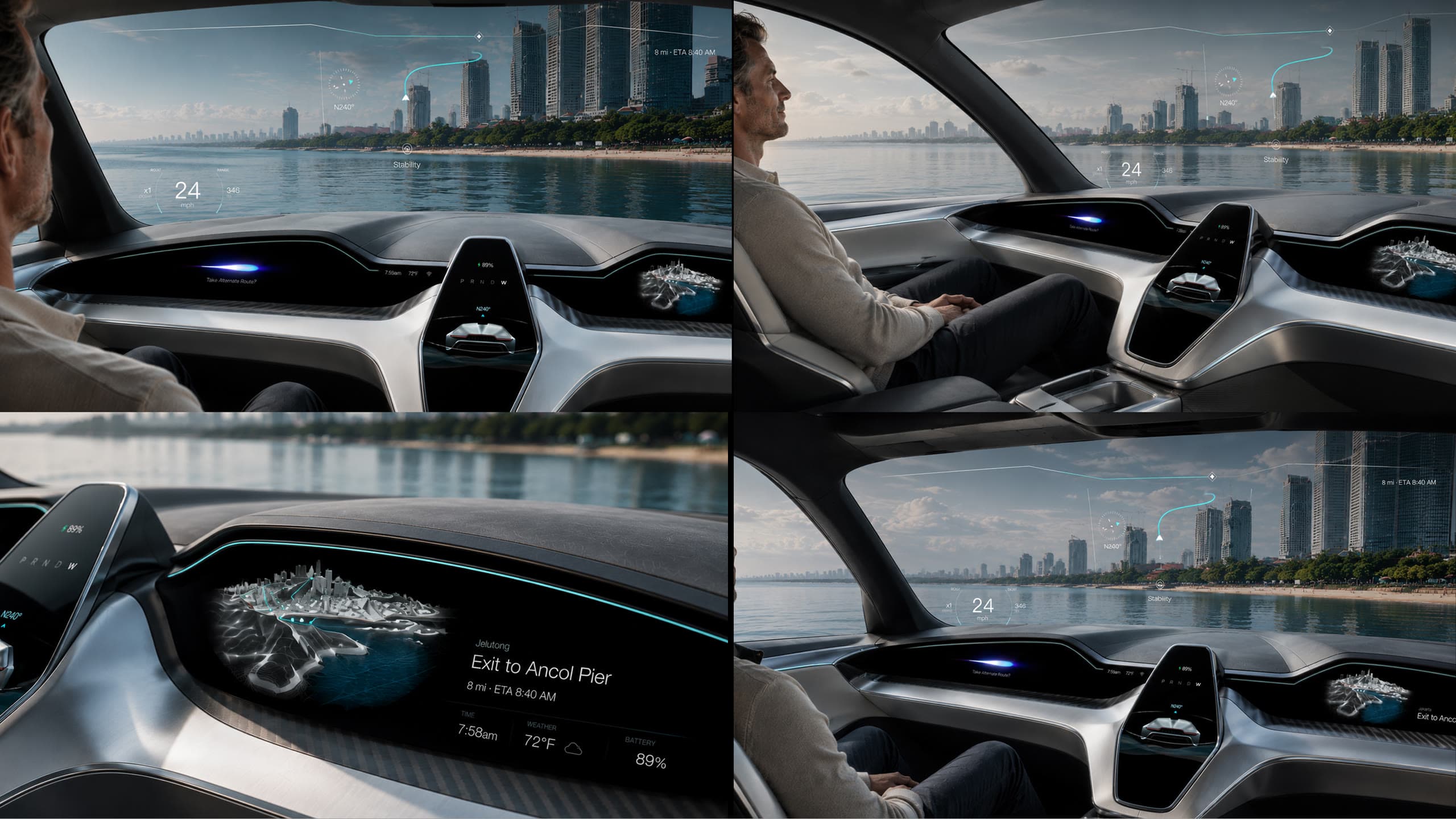
Because drivers may transition between road and water during the same trip, I kept essential information in consistent locations so they wouldn't need to relearn the interface. Road mode prioritizes traffic and route decisions, while water mode prioritizes heading, stability, and visual motion cues to help reduce motion sickness.
Outcome
Making a 2050 Concept Vehicle Believable
To balance imagination with credibility, we evaluated AEON with 20 participants using an adapted UEQ-S. We presented the concept to Autodesk’s EMEA Automotive Team, and AEON was featured by Autodesk Design Studio.
+0.00
Pragmatic Quality
+0.00
Hedonic Quality
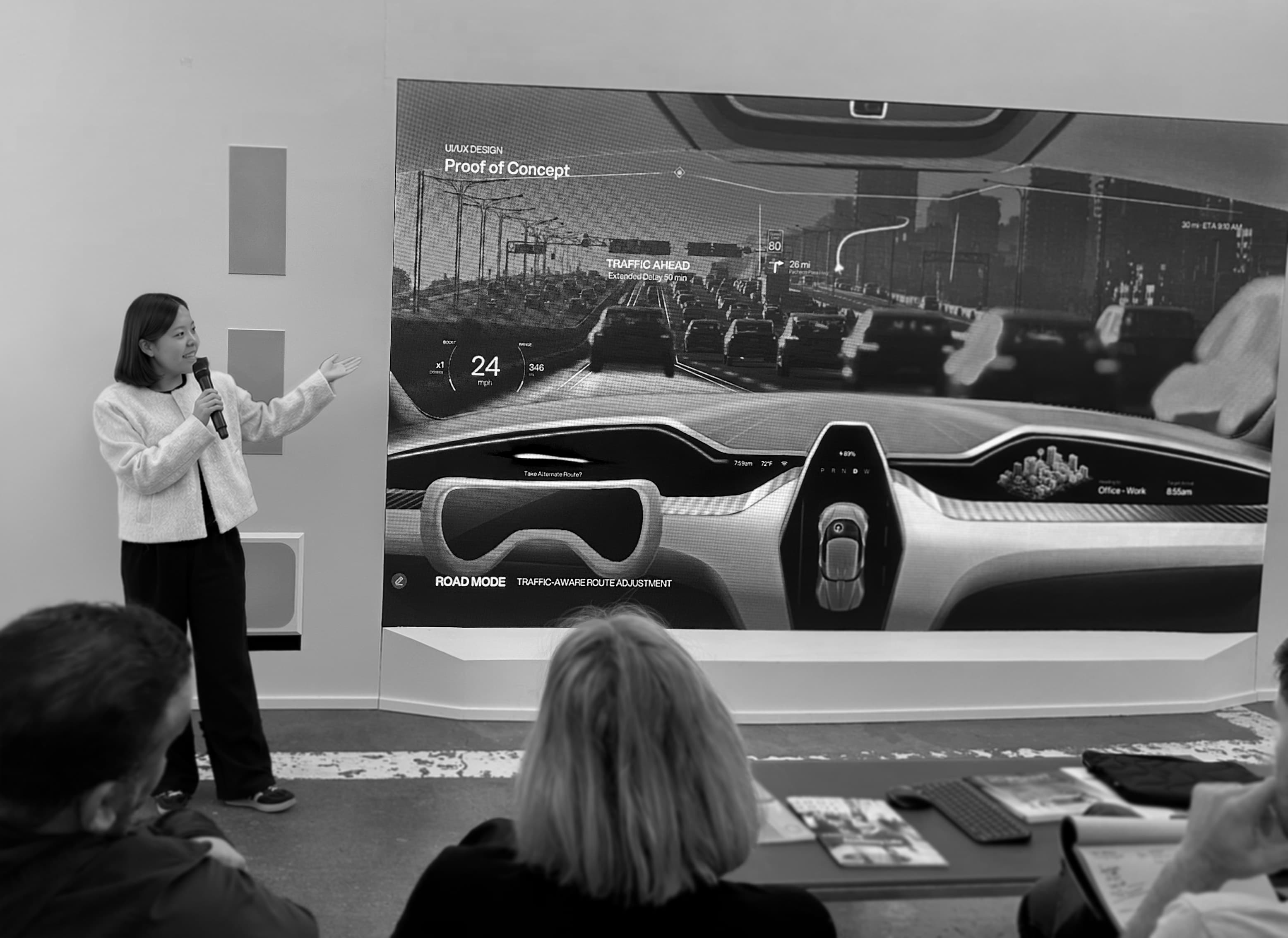
Featured in Autodesk Design Studio’s coverage of designing for context.
Read the Autodesk feature ↗Reflection
Designing Safety into the Experience
Working on AEON’s HMI challenged me to rethink how drivers process critical information under pressure. I learned that safety in HMI starts with restraint: limiting on-screen density, elevating key alerts, and maintaining consistent control logic across driving modes so every interaction feels effortless and safe.
Building Alignment Through Evidence
When our team had different ideas about the target market, I returned to research to build consensus. Using data as a neutral reference helped us move past personal preferences and agree on a strategy. This kept every discipline aligned through execution.
Behind the scenes
A few moments along the way
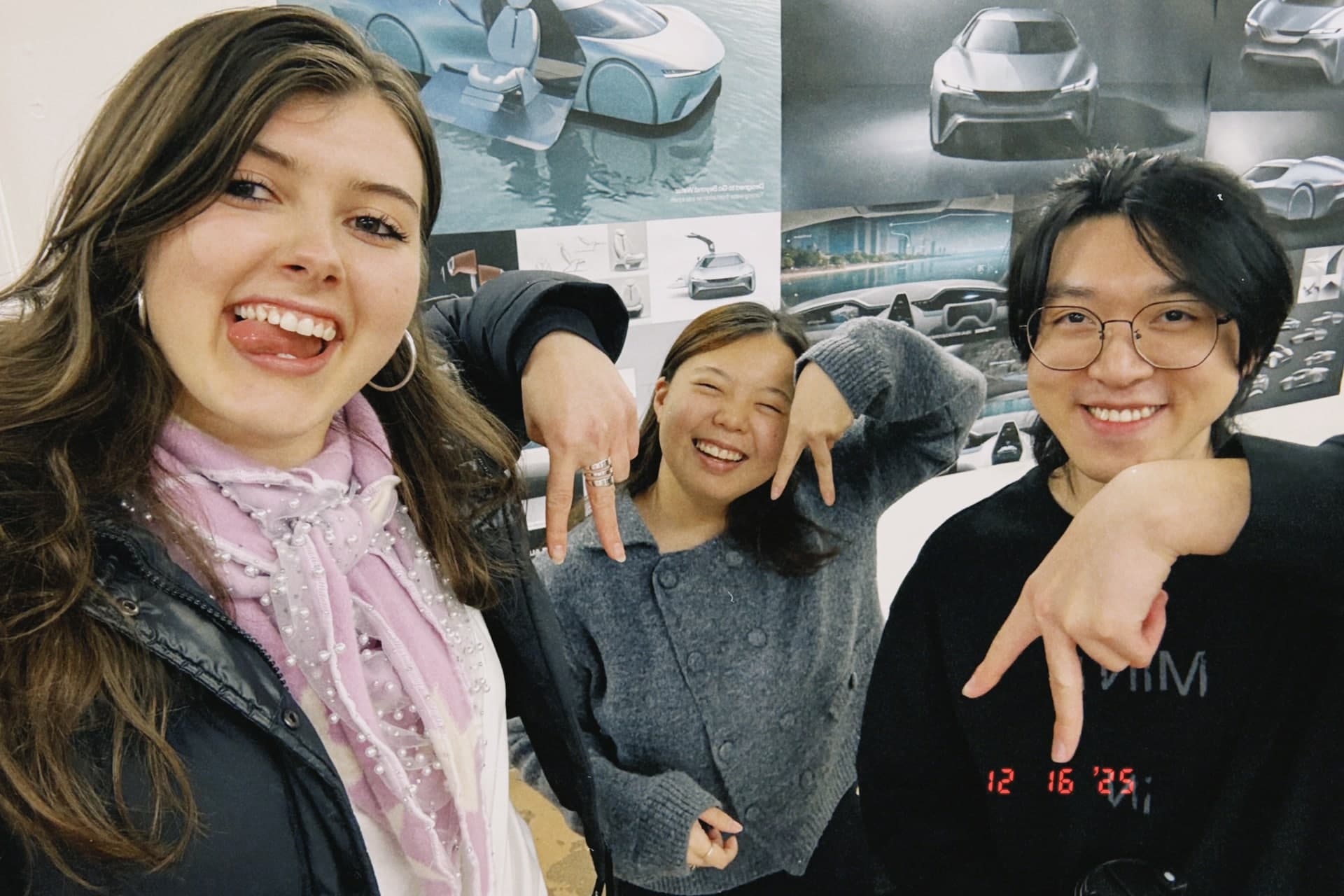
AEON crew <3
couldn’t have done it without the whole team + our remote crew 🤍
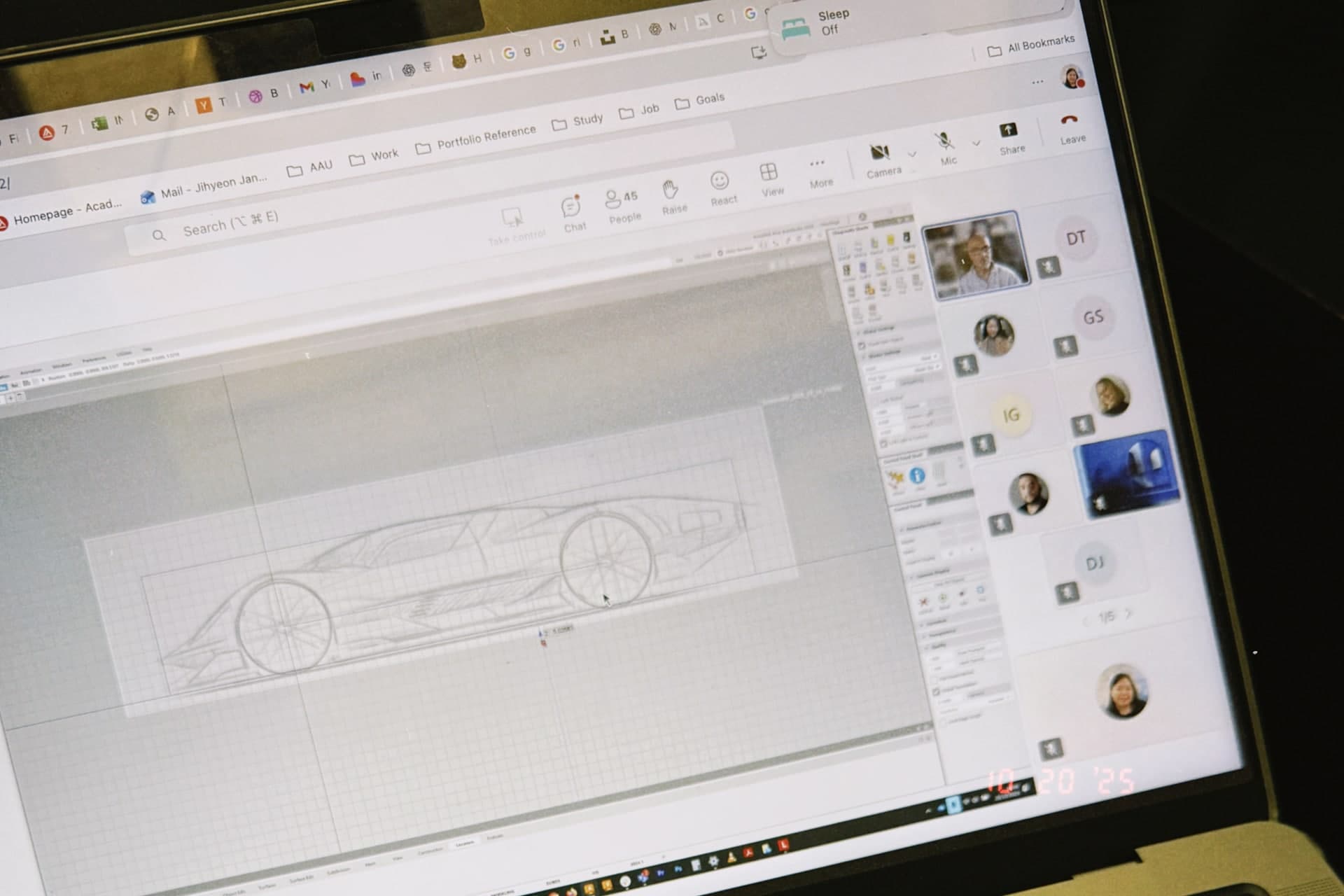
Autodesk showing us how it’s done
trying to absorb everything
couldn’t turn the designer brain off
somehow ended up studying the HMI